Package Information
Released: 8 mo ago
Downloads: 5 weekly / 31 monthly
Latest Version: 1.0.2
Author: Zohar Stolar
Available Nodes
Documentation generating…
Documentation
n8n-nodes-aggregate-by-field


An n8n community node that aggregates and groups input items by a specified field value.
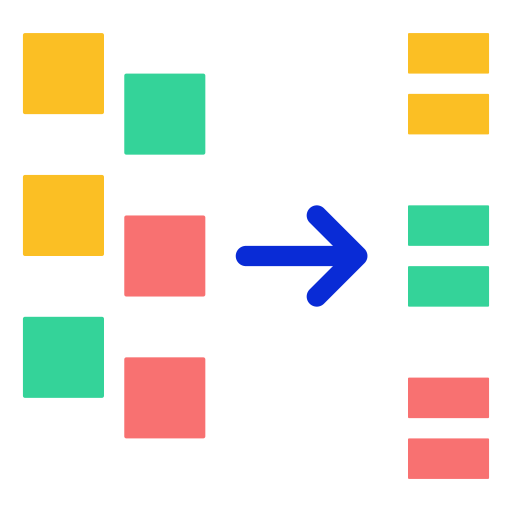
The Aggregate By Field node collects items that share the same value in a specified field and groups them together. This is useful for organizing data by categories, processing items in batches by type, or creating summary reports.
Installation
Via n8n Community Nodes (Recommended)
- Go to Settings → Community Nodes
- Click Install
- Enter
n8n-nodes-aggregate-by-field - Click Install
Via npm (Manual)
cd ~/.n8n/nodes
npm install n8n-nodes-aggregate-by-field
Then restart n8n.
Features
- ✅ Group items by any field value
- ✅ Support for nested fields using dot notation (e.g.,
user.address.city) - ✅ Configurable output field names
- ✅ Multiple options for handling missing values
- ✅ Optional sorting of groups (A-Z or Z-A)
- ✅ Optional item count per group
Parameters
| Parameter | Type | Required | Default | Description |
|---|---|---|---|---|
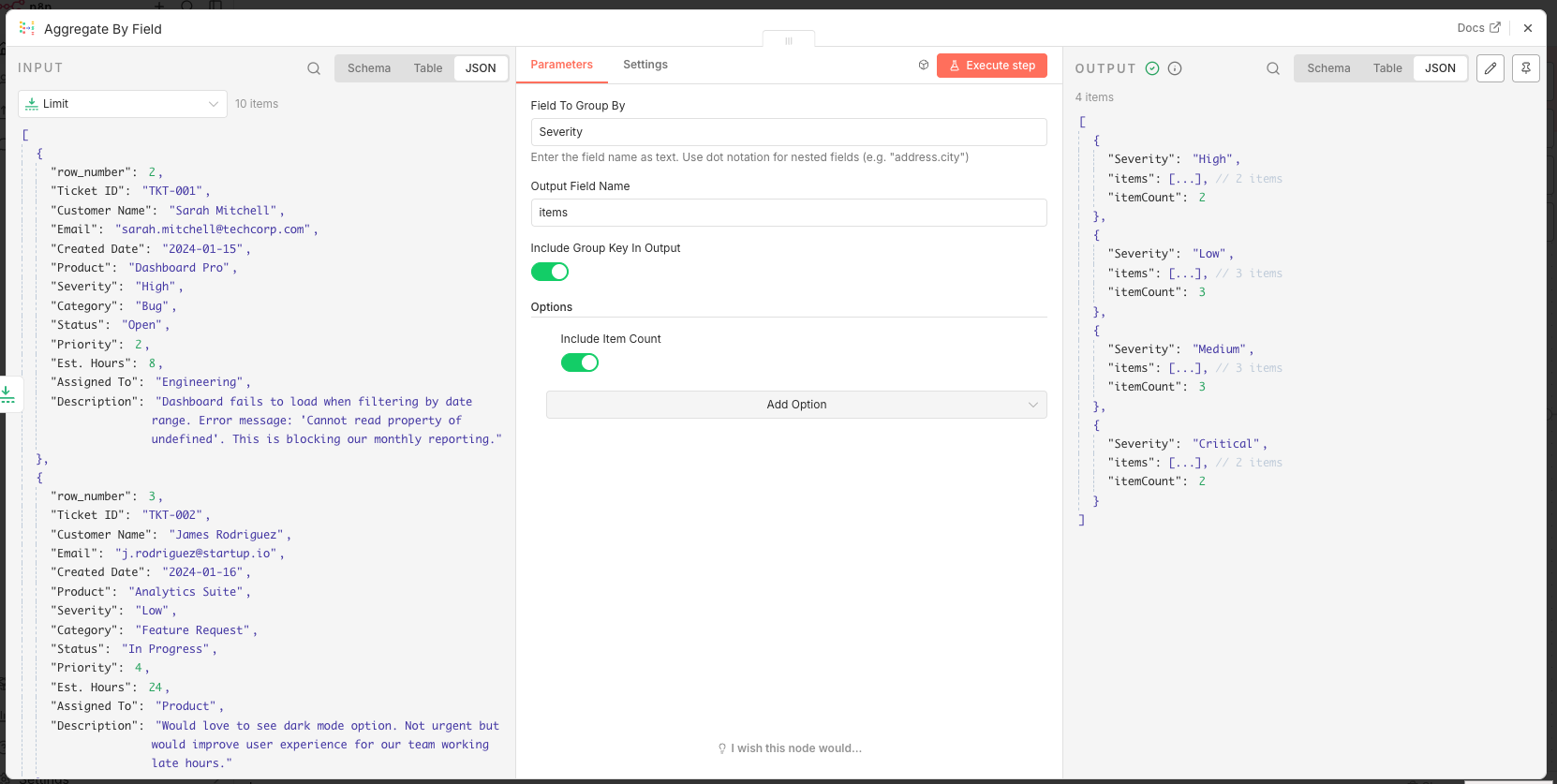
| Field To Group By | string | Yes | - | The field name to group items by. Supports dot notation for nested fields. |
| Output Field Name | string | No | items |
The field name for the array of grouped items in the output. |
| Include Group Key In Output | boolean | No | true |
Whether to include the grouping field and its value in each output item. |
Options
| Option | Type | Default | Description |
|---|---|---|---|
| Handle Missing Values | select | Skip Item |
How to handle items where the grouping field is missing or undefined. |
| Sort Groups | select | No Sorting |
Sort output groups alphabetically (Ascending/Descending) or keep original order. |
| Include Item Count | boolean | false |
Add a count of items in each group. |
| Item Count Field Name | string | itemCount |
Field name for the item count (when enabled). |
Usage Examples
Basic Grouping
Input:
[
  { "name": "Apple", "category": "Fruit", "price": 1.50 },
  { "name": "Banana", "category": "Fruit", "price": 0.75 },
  { "name": "Carrot", "category": "Vegetable", "price": 0.50 },
  { "name": "Broccoli", "category": "Vegetable", "price": 1.25 },
  { "name": "Orange", "category": "Fruit", "price": 1.00 }
]
Configuration:
- Field To Group By:
category - Output Field Name:
products
Output:
[
  {
    "category": "Fruit",
    "products": [
      { "name": "Apple", "category": "Fruit", "price": 1.50 },
      { "name": "Banana", "category": "Fruit", "price": 0.75 },
      { "name": "Orange", "category": "Fruit", "price": 1.00 }
    ]
  },
  {
    "category": "Vegetable",
    "products": [
      { "name": "Carrot", "category": "Vegetable", "price": 0.50 },
      { "name": "Broccoli", "category": "Vegetable", "price": 1.25 }
    ]
  }
]
Nested Field Grouping
Input:
[
  { "id": 1, "user": { "country": "USA" }, "order": "A001" },
  { "id": 2, "user": { "country": "UK" }, "order": "A002" },
  { "id": 3, "user": { "country": "USA" }, "order": "A003" },
  { "id": 4, "user": { "country": "Germany" }, "order": "A004" }
]
Configuration:
- Field To Group By:
user.country
Output:
[
  { "country": "USA", "items": [{ "id": 1, ... }, { "id": 3, ... }] },
  { "country": "UK", "items": [{ "id": 2, ... }] },
  { "country": "Germany", "items": [{ "id": 4, ... }] }
]
With Item Count
Configuration:
- Field To Group By:
category - Options → Include Item Count:
true
Output:
[
  { "category": "Fruit", "items": [...], "itemCount": 3 },
  { "category": "Vegetable", "items": [...], "itemCount": 2 }
]
Use Cases
| Use Case | Description |
|---|---|
| E-commerce | Group orders by customer, status, or shipping method |
| Data Processing | Organize records by date, region, or type |
| Reporting | Aggregate data for summary statistics |
| ETL Workflows | Batch items before bulk database operations |
| API Integration | Group API responses for parallel processing |
| Email Campaigns | Group contacts by segment or preference |
Compatibility
| Requirement | Version |
|---|---|
| n8n | 1.0+ |
| Node.js | 18.10+ |
Development
# Clone the repository
git clone https://github.com/YOUR-USERNAME/n8n-nodes-aggregate-by-field.git
cd n8n-nodes-aggregate-by-field

# Install dependencies
npm install

# Build the node
npm run build

# Run in development mode (with hot reload)
npm run dev

# Lint code
npm run lint
License
This project is licensed under the MIT License.
Author
- GitHub: @zohar
- Website: https://ovadia.rocks
Made with ❤️ for the n8n community