Package Information
Released: 4 mo ago
Downloads: 17 weekly / 100 monthly
Latest Version: 0.3.0
Author: Seleqt

Documentation
n8n-nodes-seleqt
Official n8n node for Seleqt — integrate Seleqt's AI-powered outbound engine directly into n8n to find your ideal buyers from 700M+ contacts, qualify them automatically, and send hyper-personalized messages across LinkedIn and email so you book more meetings without the manual grind.
Features
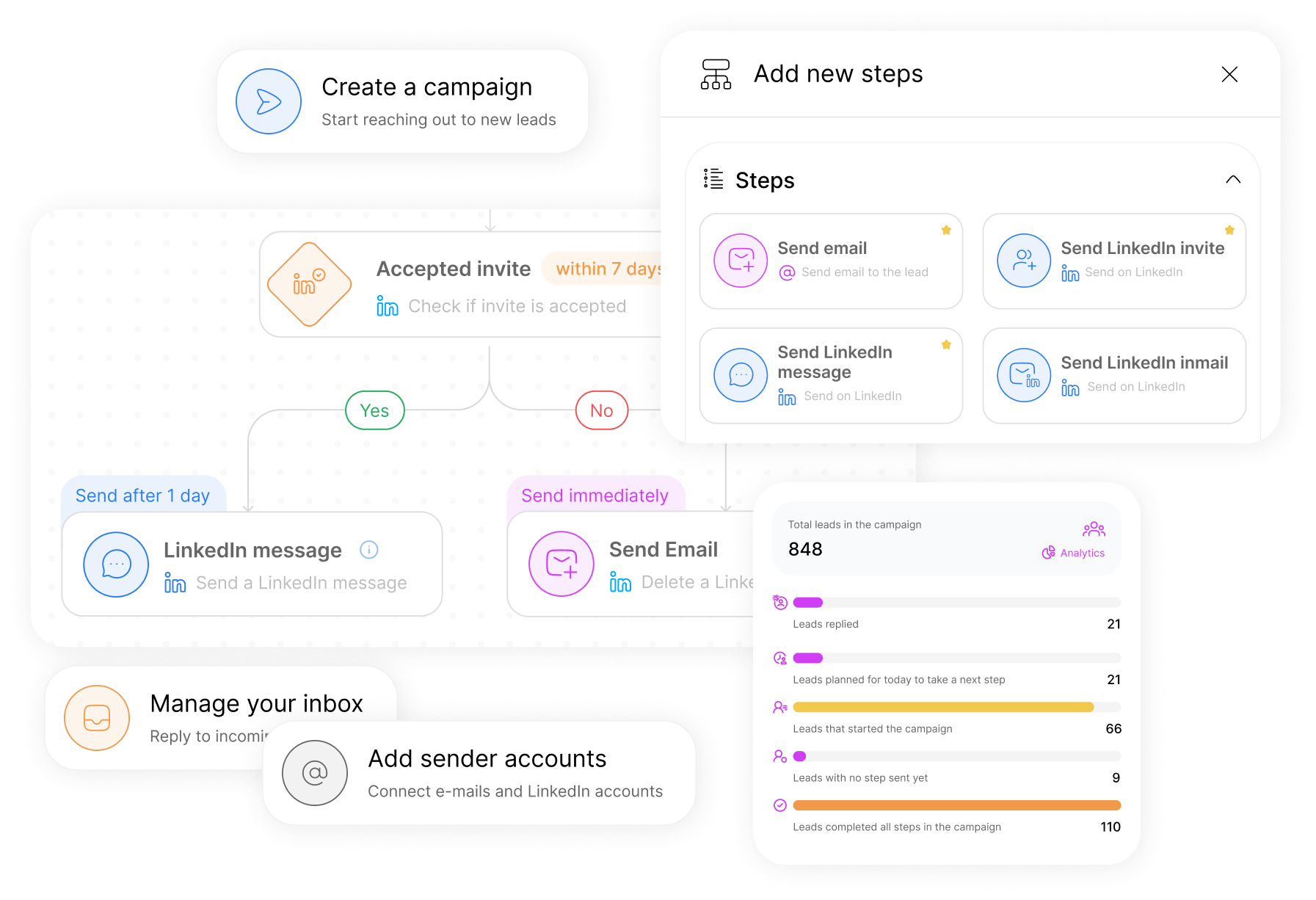
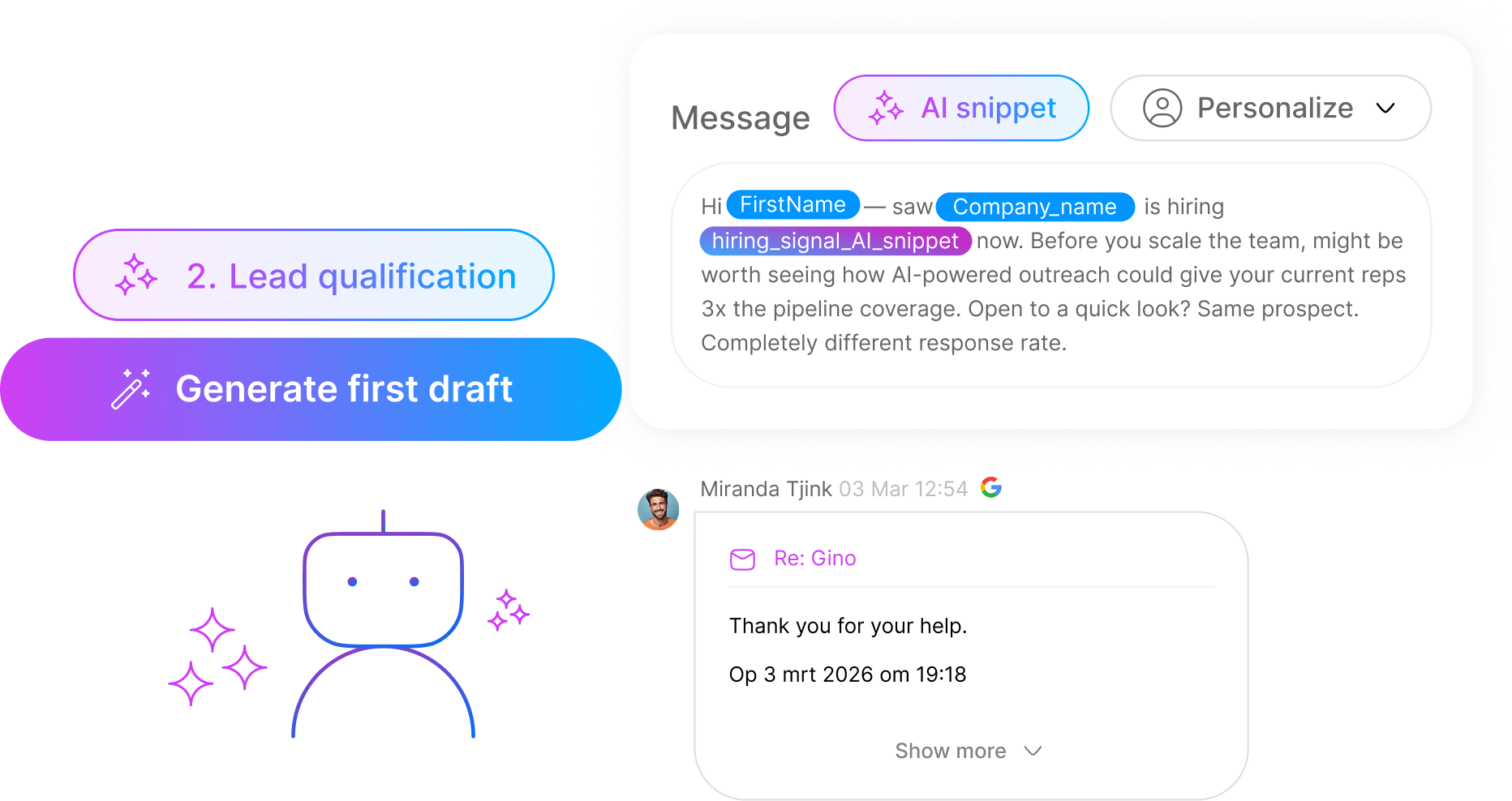
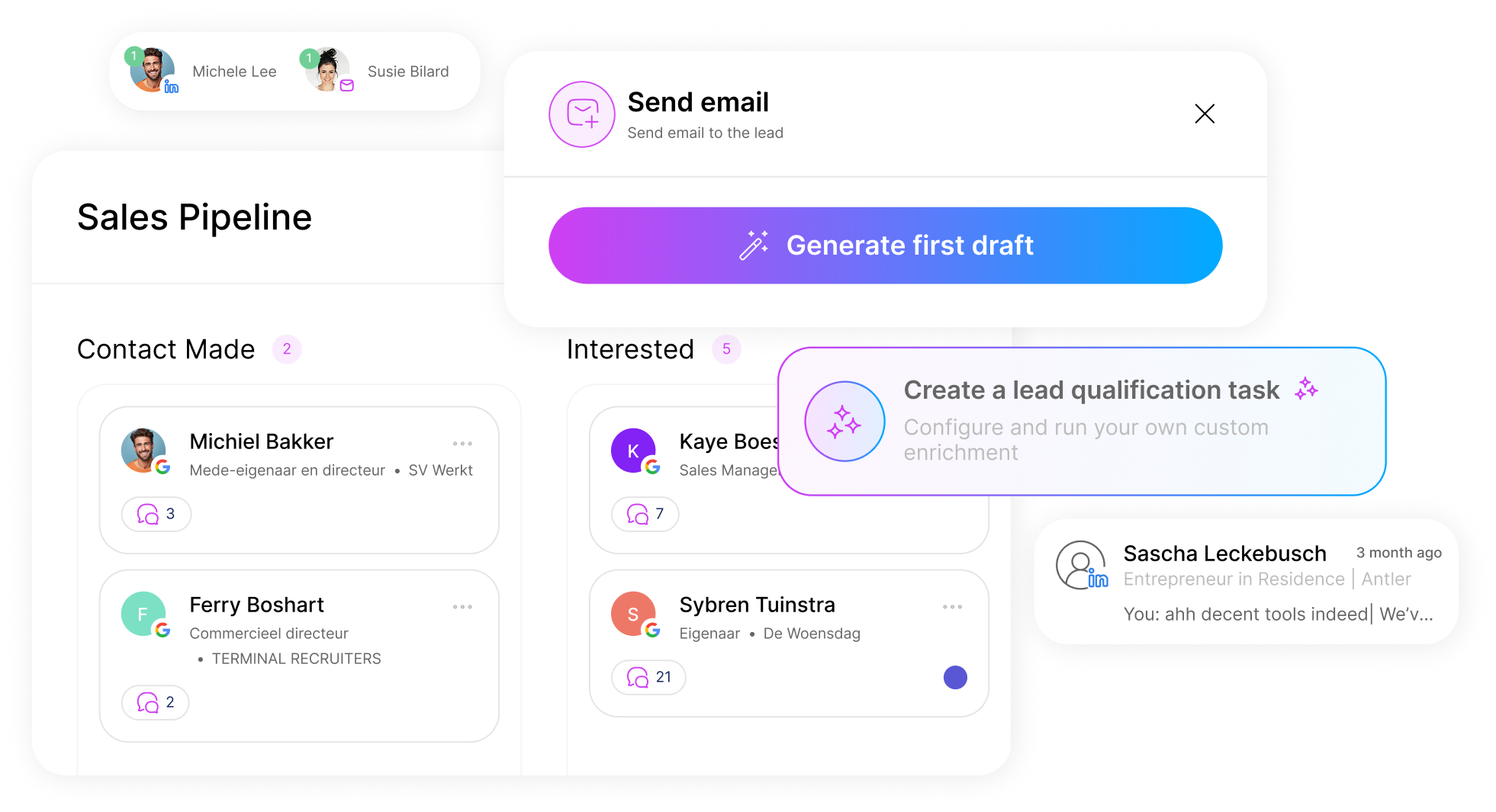
- Campaigns — create, update, and retrieve campaigns and their analytics
- Lead Lists — build lists, add leads, enrich profiles, and move leads into campaigns
- Prospect Search — search and filter prospects from the Seleqt database
- Inbox — send messages to prospects programmatically
Installation
n8n Cloud / Self-hosted UI
- Go to Settings → Community Nodes
- Click Install
- Enter
n8n-nodes-seleqtand confirm
The Seleqt node will appear in the node panel under Transform.
Self-hosted Docker
docker exec -u node <your-n8n-container> npm install n8n-nodes-seleqt
docker restart <your-n8n-container>
Credentials
- Log in to Seleqt and go to Settings → API Keys → New key
- In n8n, open any workflow and add the Seleqt node
- Click Credential → Create New
- Paste your API key and click Test to verify
The Base URL defaults to
https://api.seleqt.ai/api/v1. Only change this if you are on a self-hosted Seleqt instance.
Supported Operations
Campaign
| Operation | Description |
|---|---|
| Get Many | List all campaigns |
| Get | Retrieve a single campaign by ID |
| Create | Create a new campaign |
| Update | Update campaign details |
| Get Stats | Retrieve campaign analytics |
| Get Steps | Retrieve campaign steps |
Lead List
| Operation | Description |
|---|---|
| Get Many | List all lead lists |
| Get Leads | Retrieve leads in a list |
| Create | Create a new lead list |
| Add Leads | Add leads to an existing list |
| Move to Campaign | Move leads from a list into a campaign |
| Enrich | Enrich lead profiles in a list |
Prospect
| Operation | Description |
|---|---|
| Search | Search and filter prospects |
Inbox
| Operation | Description |
|---|---|
| Send Message | Send a message to a prospect |
API Reference
Full API documentation: https://docs.seleqt.ai
Development
npm install
npm run build       # compile TypeScript + copy assets
npm run dev         # watch mode
npm run lint        # run n8n-nodes-base linting rules
npm run lintfix     # auto-fix lint issues
To test locally inside a running n8n instance:
# In this repo
npm link

# In your n8n custom nodes directory (~/.n8n/custom)
npm link n8n-nodes-seleqt
Then restart n8n.
License
MIT © Seleqt