Package Information
Available Nodes

Documentation
n8n-nodes-smsniaga
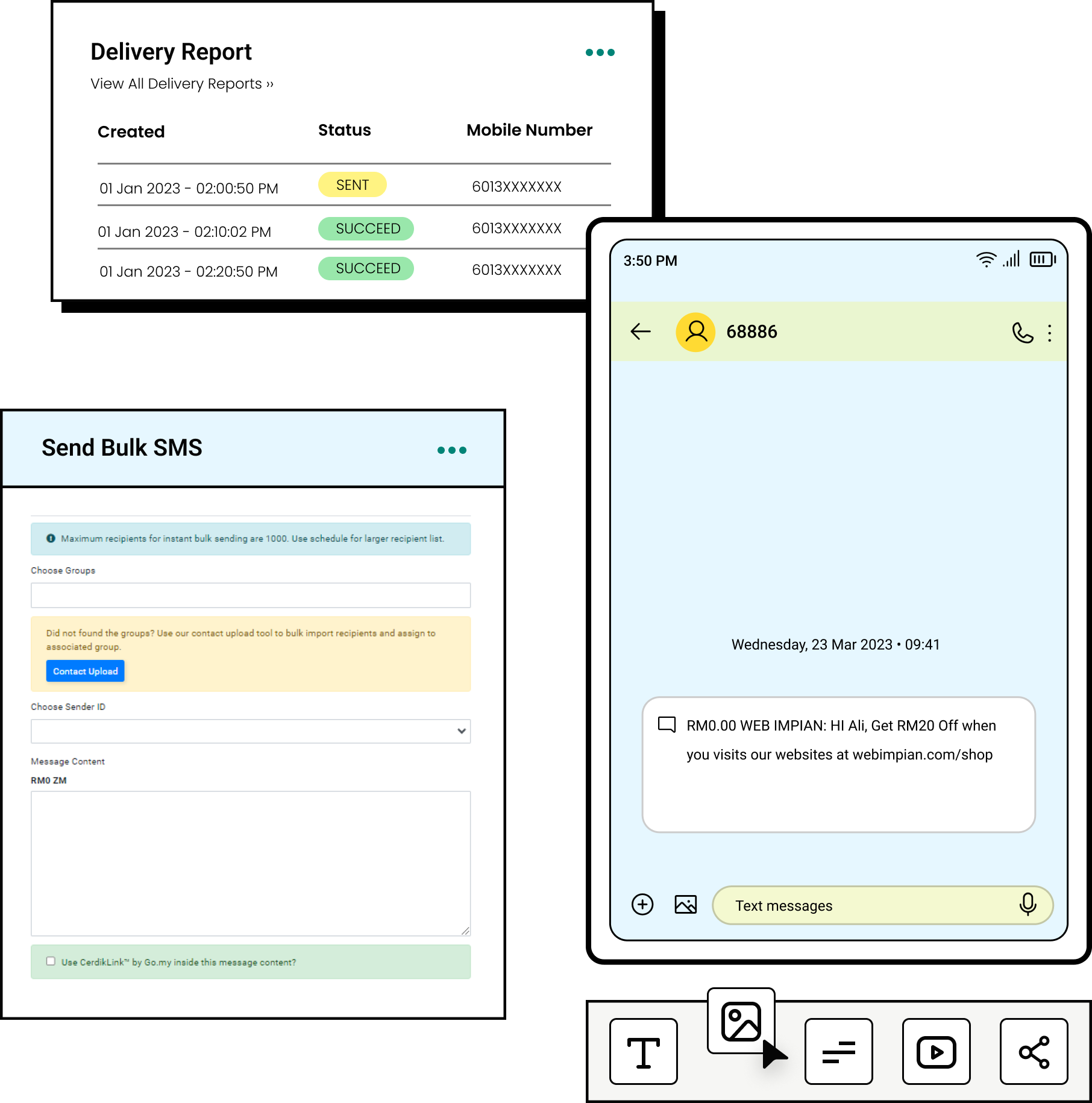
This is an n8n community node that provides integration with the SMSNiaga API, allowing you to send SMS messages and manage your SMS operations directly from your n8n workflows.
n8n is a fair-code licensed workflow automation platform.
SMSNiaga is a Malaysian SMS service provider offering reliable SMS messaging solutions for businesses.
Installation
Follow the installation guide in the n8n community nodes documentation.
Credentials
To use this node, you need to configure your SMSNiaga API credentials:
- Get your API token from your SMSNiaga dashboard
- Create new credentials in n8n using the "SMSNiaga API" credential type
- Enter your API token
Supported Features
📱 SMS Operations
✅ Send text messages to Malaysian phone numbers (up to 50 recipients per request)
✅ Bulk SMS sending with comma-separated phone numbers
✅ Malaysian phone number validation
✅ Preview mode for testing without consuming credits
👤 Account Management
✅ Check account balance and available credits
🏷️ Sender ID Management
✅ Create new sender identifiers
✅ List all configured sender identifiers
✅ Get details of specific sender identifiers
✅ Update existing sender identifiers
✅ Delete sender identifiers
✅ Set default sender ID
📝 Message Tracking
✅ Get detailed delivery reports for SMS messages
✅ Track message status and delivery confirmation
👥 Group Management
✅ Create new subscriber groups
✅ List all subscriber groups
✅ Get details of specific groups
✅ Update existing groups
✅ Delete subscriber groups
Phone Number Format
The node supports Malaysian phone numbers in the following formats:
60123456789(recommended)+60123456789
For bulk sending, separate multiple numbers with commas:
60123456789, +60187654321, 60169163324
Configuration
API Token
You can obtain your API token from the SMSNiaga dashboard:
- Log in to your SMSNiaga account
- Navigate to API settings
- Generate or copy your API token
- Use this token in the n8n credentials configuration
Preview Mode
Enable preview mode to test your SMS configuration without actually sending messages or consuming credits.
Error Handling
The node provides detailed error messages for common issues:
- 401: Invalid or expired API token
- 422: Validation errors (e.g., invalid phone numbers)
- 429: Rate limit exceeded
- 500+: Server errors
Rate Limits
Please refer to SMSNiaga's API documentation for current rate limits and usage guidelines.
Getting Help
📚 Documentation: SMSNiaga API Documentation
💬 Support: Contact SMSNiaga support team
Compatibility
This node is compatible with n8n version 0.174.0 and above.
Version History
- 1.0.0: Initial release with full SMSNiaga API support
License
Disclaimer
This is an official community node for SMSNiaga. It is officially maintained by SMSNiaga.