Package Information
Available Nodes
Documentation generating…

Documentation
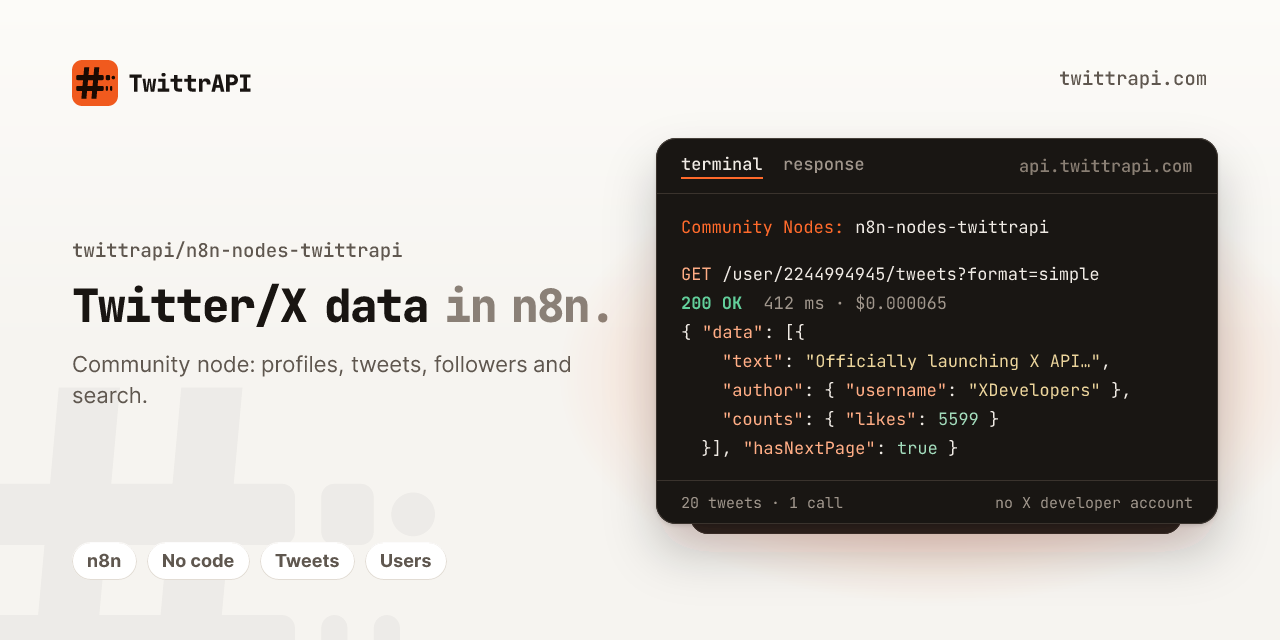
n8n-nodes-twittrapi – Twitter/X node for n8n


An n8n community node for TwittrAPI, a REST API for public Twitter/X data: tweets, profiles, followers, search, lists and communities. Pay as you go from $0.065 per 1,000 calls, no X developer account.
Get an API key: twittrapi.com/start · Pricing · Docs · Status · also available on RapidAPI
SDKs and integrations: Python · Node.js · Go · MCP server · Make · Apify · LangChain · LlamaIndex · Agent skill · Examples
Not affiliated with X Corp.
- Installation
- Credentials
- Operations
- Output and pagination
- Errors
- Using it as an AI agent tool
- Example workflows
- Compatibility
- Development
Installation
In n8n:
- Go to Settings > Community Nodes.
- Click Install.
- Enter
n8n-nodes-twittrapiand confirm.
The TwittrAPI node then shows up in the nodes panel. See the n8n guide on installing community nodes for details, including manual installation with npm for queue mode or Docker setups.
Credentials
Create a TwittrAPI API credential. It supports two connection types.
Direct API key
- Sign up at twittrapi.com and copy your API key from the dashboard.
- In the credential, set Connection Type to Direct API Key and paste the key into API Key.
- Leave Base URL at
https://api.twittrapi.comunless you were given a different host.
The key is sent in the X-API-KEY header.
RapidAPI key
- Subscribe to the TwitterAIO listing on RapidAPI and copy your application key.
- Set Connection Type to RapidAPI Key and paste the key into API Key.
- Leave RapidAPI Host at
twitter-aio.p.rapidapi.com.
The key is sent in x-rapidapi-key, plus x-rapidapi-host. Requests go to https://twitter-aio.p.rapidapi.com.
When you save the credential, n8n tests it by looking up the profile @X. That test is one normal API call.
Operations
| Resource | Operation | Endpoint |
|---|---|---|
| User | Get by Username | GET /user/by/username/{username} |
| User | Get by ID | GET /user/{userId} |
| User | Username to ID | GET /username/to/id/{username} |
| User | Get Many by IDs (max 100) | GET /user/users/by/ids?ids= |
| User | Get Tweets | GET /user/{userId}/tweets |
| User | Get Tweets and Replies | GET /user/{userId}/tweetsAndReplies |
| User | Get Media | GET /user/{userId}/media |
| User | Get Followers | GET /user/{userId}/followers |
| User | Get Following | GET /user/{userId}/followings |
| User | Get Verified Followers | GET /user/{userId}/verifiedFollowers |
| Tweet | Get | GET /simpletweet/{tweetId} |
| Tweet | Get Conversation | GET /tweet/{tweetId} |
| Tweet | Get Retweeters | GET /tweet/{tweetId}/retweets |
| Tweet | Get Likers | GET /tweet/{tweetId}/favorites |
| Tweet | Get Quotes | GET /tweet/{tweetId}/quotes |
| Search | Search (Top, Latest, People, Photos, Videos) | GET /search?query=&category= |
| List | Get Details | GET /lists/details?listId= |
| List | Get Tweets | GET /lists/tweets?listId= |
| List | Get Members | GET /lists/members?listId= |
| Community | Get | GET /communities/{communityId} |
| Community | Get Tweets | GET /communities/{communityId}/tweets |
| Community | Search | GET /communities/search/{term} |
| Trend | Get by Location (WOEID) | GET /trends/{woeid} |
| Trend | Get Locations | GET /misc/locations |
Notes:
- The user timeline and follower operations accept either a user ID or a username (Identify User By). With a username, the API resolves the ID for you.
- Usernames can be entered with or without
@. - Search accepts the same syntax as the X search box, for example
from:n8n_io since:2026-01-01 -filter:replies. Queries are limited to 512 characters. - WOEID
1is worldwide,23424977is the United States. Use Trend > Get Locations for the full list.
Output and pagination
By default (Output Format: Raw) the node returns the raw JSON from X's GraphQL API, unchanged, one item per API response. Tweets sit under paths such as ...instructions[].entries[].content.itemContent.tweet_results.result, users under ...user_results.result. A Code node is the easiest way to flatten this; the example workflows include ready-made snippets for tweets and users.
Set Output Format to Simple to get TwittrAPI's simple format instead (the node sends format=simple, same price). Each item is then { "data": [...], "nextCursor", "previousCursor", "hasNextPage" } for lists and timelines, or { "data": {...} } for a single profile, tweet, list or community, with flat camelCase fields such as id, text, author.username and counts.likes. Use a Split Out node on data to get one item per tweet or user.
Operations that return a timeline (tweets, followers, likers, search and so on) have:
- Options > Count: results per page (default 20). X treats it as a hint.
- Options > Cursor: start from a cursor you saved earlier. The next-page cursor is the
valueof the entry whosecursorTypeisBottom(Raw) ornextCursor(Simple). - Return All: keep fetching pages using the bottom cursor (
nextCursorin Simple). It stops when a page has no entries,hasNextPageis false (Simple), the cursor stops changing, or Max Pages (default 10) is reached. Every page is one billed API call and one output item.
Errors
The API answers errors as {"error": "..."}. The node shows that message with a hint, for example:
402: your balance is empty. Top up and run again.429: rate limit. Wait, or turn on Retry On Fail in the node settings.401: wrong key or wrong connection type in the credential.
Enable Continue On Fail if a single bad ID should not stop the workflow.
Using it as an AI agent tool
The node is marked usableAsTool, so it can be attached to an AI Agent node as a tool. On self-hosted n8n, community nodes can only be used as tools when the environment variable N8N_COMMUNITY_PACKAGES_ALLOW_TOOL_USAGE=true is set.
Example workflows
Import any of these via Workflows > Import from File, then pick your own credentials in each node:
examples/new-mentions-to-google-sheets.json: every 15 minutes, search new mentions of@yourbrandand append them to a Google Sheet.examples/export-followers-to-csv.json: fetch up to 20 pages of followers for a username and turn them intofollowers.csv.examples/keyword-monitor-to-slack.json: every 10 minutes, search a keyword and post new tweets to a Slack channel.
The two monitoring workflows remember the newest tweet ID in workflow static data, so they only pass on new tweets. Static data is only saved for active (production) runs; manual test runs always start fresh.
Compatibility
Built with @n8n/node-cli 0.51 and tested on n8n 2.42. No runtime dependencies.
Development
npm install
npm run dev     # starts n8n with this node loaded, rebuilds on change (http://localhost:5678)
npm run lint
npm test        # builds, then runs the unit tests in test/
All endpoints live in nodes/TwittrApi/endpoints.ts. The node's fields, routing and pagination are generated from that file, so adding or changing an operation means editing one entry there.
Resources
Support
Questions, bugs or a higher rate limit: email support@twittrapi.com or open an issue in this repository. Service status: twittrapi.com/status. News and changes: the TwittrAPI Telegram channel (link on the website).