Package Information


Documentation
n8n-nodes-wizcut
n8n community node for WizCut — AI-powered multicam podcast editing.
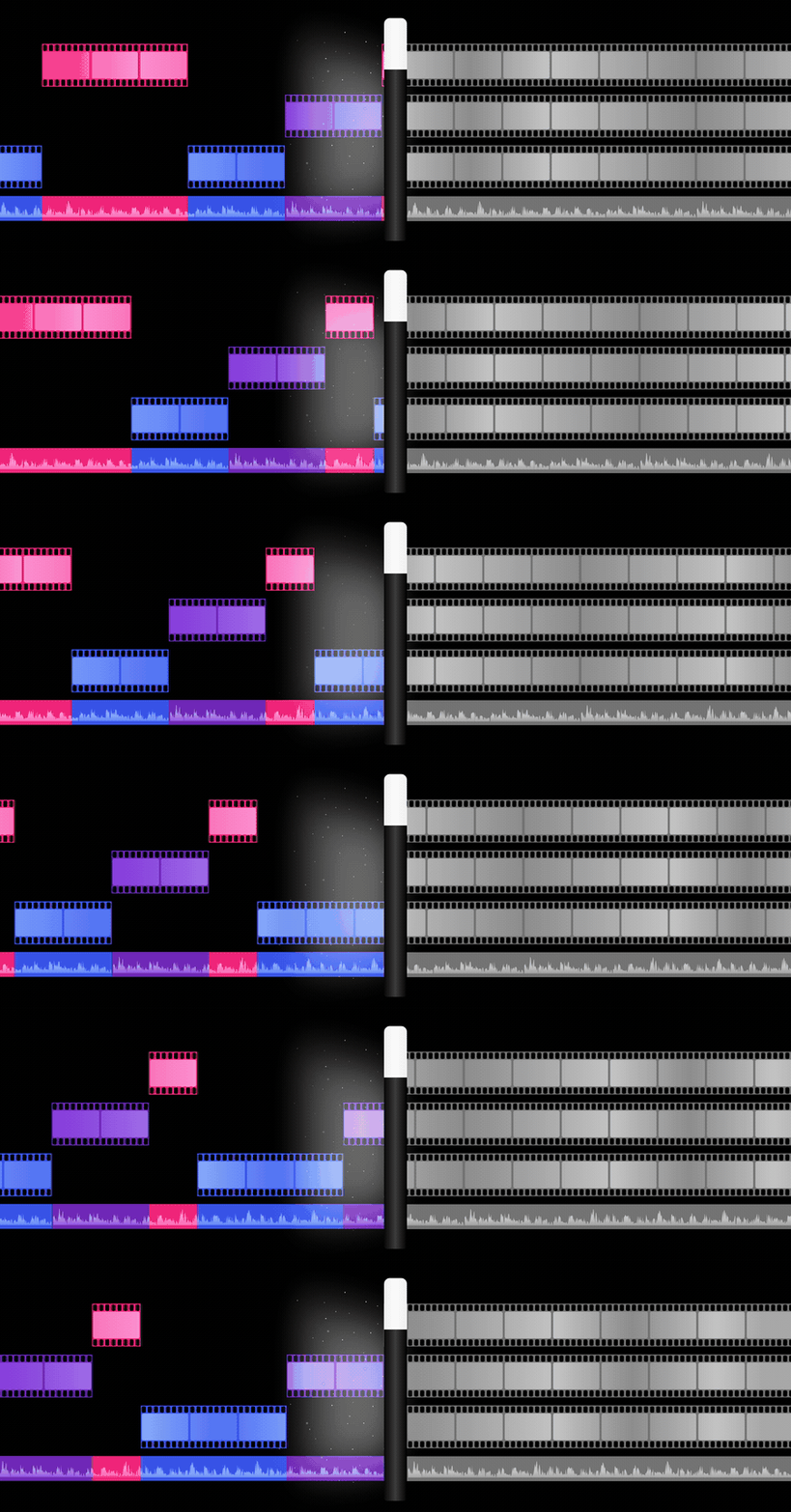
WizCut automatically syncs, detects speakers, and cuts multicam podcast recordings. Upload your camera angles and get a finished video back. WizCut works out which camera shows which speaker; when it isn’t sure, it asks you to confirm in the WizCut editor.
n8n is a fair-code licensed workflow automation platform.
Operations
WizCut Node
| Operation | Description |
|---|---|
| Create Job | Create a new editing job with source files. Returns upload URLs. |
| Get Job | Check the current status and details of a job. |
| Set Speaker Mapping | Tell WizCut which speakers are on which camera. Get Job’s camera_map holds WizCut’s proposal. |
| Start Processing | Kick off audio sync and speaker detection. |
| Start Render | Render the final video once cuts are ready. |
| Approve | Mark a rendered video as approved. |
WizCut Trigger
Webhook-based trigger that starts your workflow when a job changes status:
| Event | When it fires |
|---|---|
| Mapping Ready | WizCut couldn’t tell who is on which camera. Confirm it in the WizCut editor. |
| Cuts Ready | Cuts generated. Ready for review or render. |
| Render Complete | Video rendering finished. |
| Approved | Rendered video approved for download. |
Typical workflow
- Files land in Google Drive / Dropbox / S3
- WizCut: Create Job — register sources, get presigned upload URLs
- HTTP Request — upload files to the presigned URLs
- WizCut: Start Processing — kicks off sync + speaker detection, then matches speakers to cameras
- Only if WizCut isn’t sure who is on which camera: WizCut Trigger receives a
mappingwebhook — send a Slack/email with the review link, and confirm the cameras in the WizCut editor (takes ~30 seconds) - WizCut Trigger receives
readywebhook — trigger render (or review cuts first) - WizCut: Start Render — render the final video
- WizCut Trigger receives
completewebhook — download, upload to YouTube, notify team
When WizCut asks you to confirm speakers
The human-in-the-loop step is only needed when WizCut can’t tell who is on which camera. The Auto Map option on Create Job decides what happens then:
| Auto Map | Behavior |
|---|---|
| Confident (default) | Assign speakers automatically when WizCut is sure; otherwise wait for you. |
| Always | Never wait: use the best guess. |
| Off | Always confirm speakers yourself in WizCut. |
Instead of a person, an agent can answer a mapping webhook: read WizCut’s proposal from the webhook’s cameraMap (or Get Job’s camera_map), then send it (or a corrected one) with Set Speaker Mapping.
Credentials
You need a WizCut API key. Get one at wizcut.com/settings.
API keys start with wc_live_.
Installation
Follow the n8n community nodes installation guide.
Search for n8n-nodes-wizcut in the community nodes panel, or install manually:
npm install n8n-nodes-wizcut